Communication protocols
Revo 1 hardware and firmware variants may support different protocols. Confirm the model, firmware, and physical interface before selecting a protocol.
| Protocol | Intended use | Public specification | Bus topology |
|---|---|---|---|
| Protobuf | Prosthetic-hand applications and neural-signal interfaces | No | One hand per connection |
| Modbus RTU | Robotics integration over RS-485 | Yes | Multiple addressed devices on one RS-485 bus |
| CANopen, CAN FD, and RealMan high-speed protocol | Variant-specific integrations | Confirm with BrainCo support | Depends on the interface and firmware |
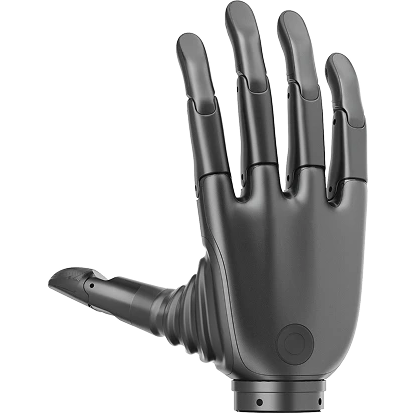
Revo 1 variants
V1-BASIC: Revo 1 BasicV1-TOUCH: Revo 1 Touch
The protocol pages in this section document the public Modbus RTU interfaces for these variants. Use the SDK or desktop tool when a project does not need register-level control.
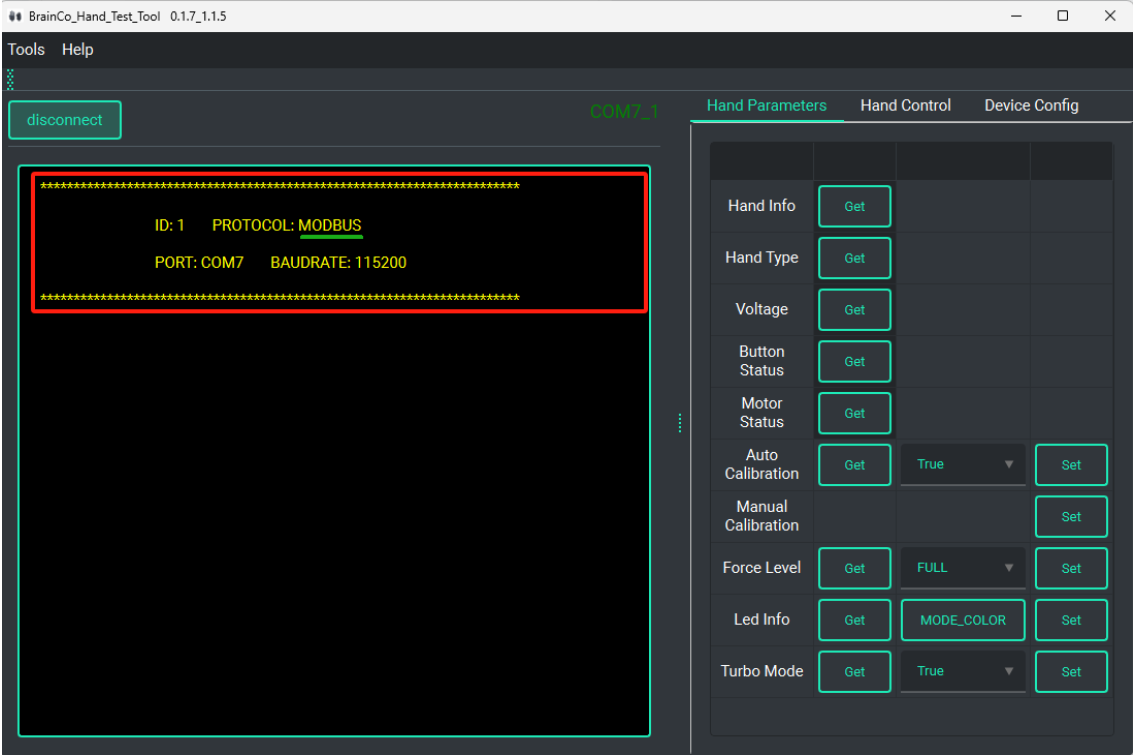
Check the active protocol
After the desktop tool connects, it displays the protocol detected for the device.
Connect the device
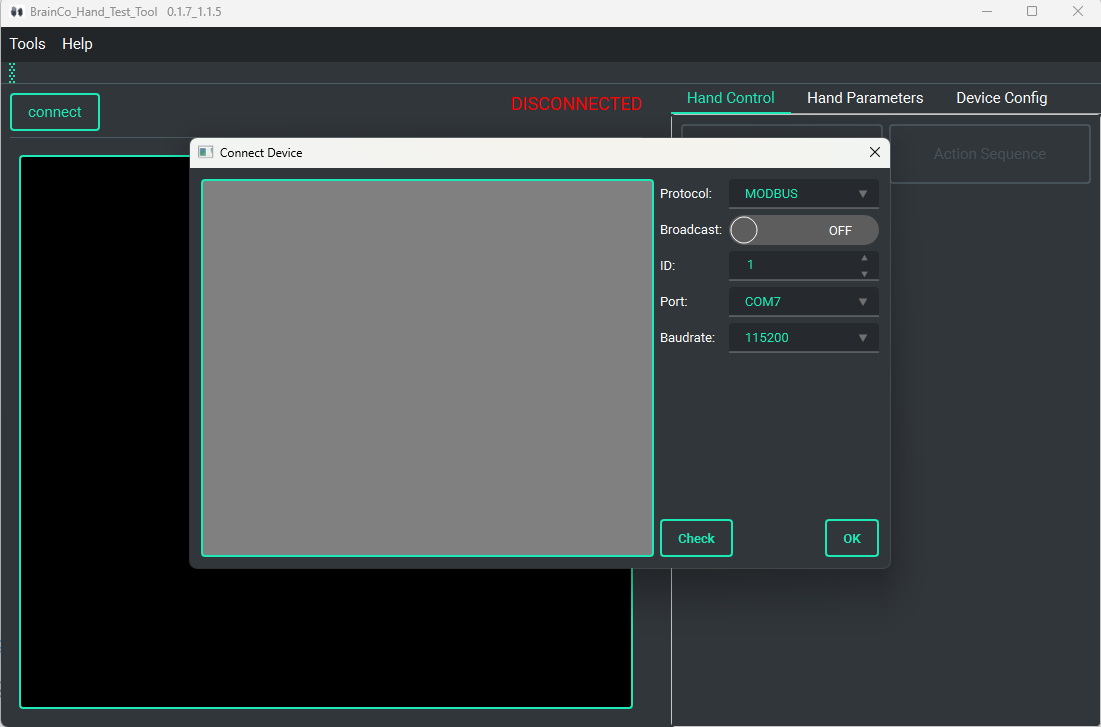
Select Connect, then set the device ID, port, and baud rate. Enable Broadcast only when the same command is intended for every compatible device on the bus.
Connection troubleshooting
- In non-broadcast mode, verify the port and device ID if the connection check fails.
- If automatic connection fails, reconnect the RS-485 adapter or restart the hand. Use Check for a full ID scan only when needed; the scan can take about 10 minutes.
Verify the result