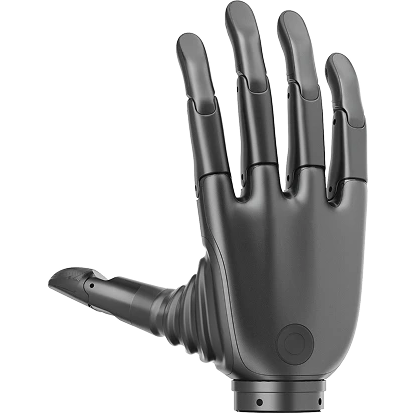
Revo 1 FAQ
Revo 1 Basic stopped working after a tactile-firmware update
Flash the correct firmware again. Use the latest desktop tool to reduce the risk of selecting an incompatible OTA image.
One or more fingers do not reach the target position
If the motors and transmission are mechanically sound, check the power supply first. Revo 1 accepts 9–28 V; use a 12 V or 24 V supply rated for at least 36 W.
- When all five fingers start or stall at 12 V, current can exceed 3 A and pull down the supply voltage.
- At or below 8.5 V, fingers may stop early or fail to move.
- Firmware 0.1.7 and later indicate low supply voltage with a flashing yellow backlight.
Measure voltage at the hand while the motors are under load, not only at the unloaded power supply.
The backlight is blue and the hand does not respond
A blue backlight indicates an abnormal startup. This behavior was addressed in Modbus RTU firmware 0.1.7 and Protobuf firmware 9.2.9. Update older devices with the desktop tool or SDK, using firmware that matches the hardware variant.
Thumb abduction does not reach its expected range
If thumb abduction is substantially below 90°, check whether the physical hand side matches the side reported by the desktop tool or SDK. An incorrect left/right configuration can cause this symptom.
The SDK can disable automatic calibration, but the desktop tool cannot
After the desktop tool writes false, the hand restarts and the backlight flashes green rapidly. Press and hold the backlight control to restore operation.
Communication stops during operation
Inspect the communication cable and connectors. Use a shielded twisted pair for RS-485, verify termination and grounding for the bus topology, and check whether another process has opened the same serial port.